
Highlight Numbers Row Demo That Matter — Instantly
Display important statistics and metrics with style using the GutenBlocks Counter Block — perfect for showcasing growth, performance, milestones, and more.
What Is the About Us Block?
The Counter Block is a Gutenberg-native block designed to display animated, visually engaging counters directly within your content.
You can Show:
- Animated number increments
- Key metrics like users, downloads, revenue, projects
- Icons or labels paired with numbers
- Multiple counters in one responsive layout
Counters help quickly communicate value and build trust.
The About Us Preview
2 Column
3 Column
Powerful Features Built for Everyone
Our block gives you everything you need to create beautiful tabbed layouts — no coding required. Organise your content into clear sections that visitors can navigate with a single click.
- Fully responsive on all screen sizes
- Smooth animated tab transitions
- Customisable colours, fonts, and spacing
- Horizontal and vertical tab layouts
Simple, Transparent Pricing
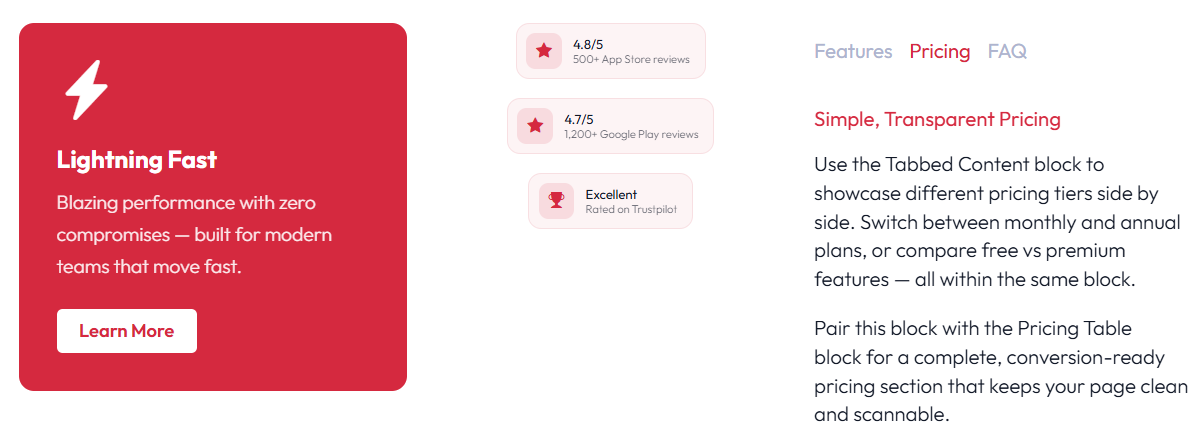
Use the Tabbed Content block to showcase different pricing tiers side by side. Switch between monthly and annual plans, or compare free vs premium features — all within the same block.
Pair this block with the Pricing Table block for a complete, conversion-ready pricing section that keeps your page clean and scannable.
Frequently Asked Questions
Use tabs to group your FAQs by topic, making it easy for visitors to find the answers they need without scrolling through a long page.
How do I add a new tab? Select the Tabbed Content block and click the “Add Tab” button in the block toolbar or settings panel.
Can I reorder tabs? Yes — use the arrow buttons next to each tab title in the settings panel to move tabs left or right.